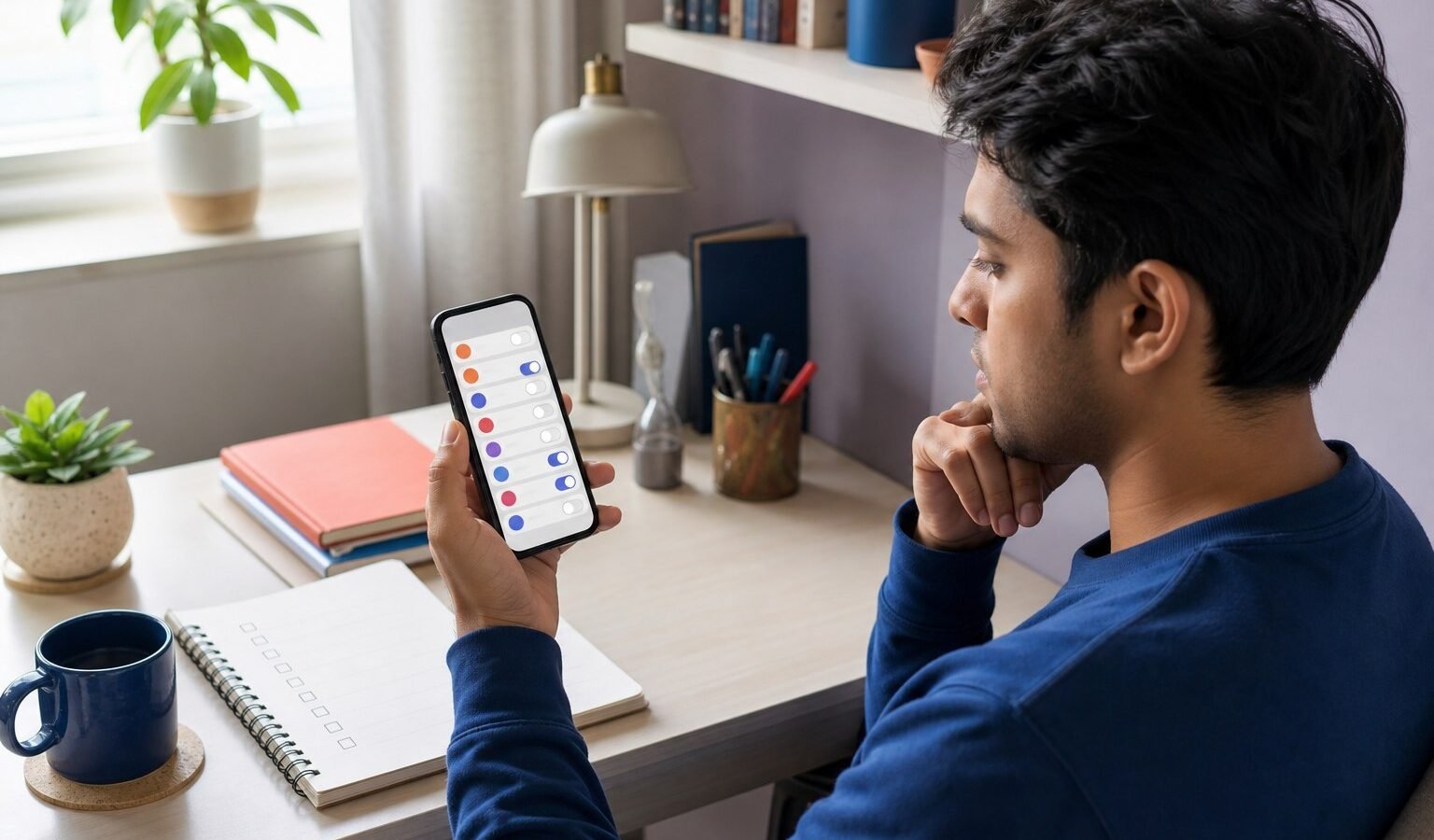
App permissions are not a one-time ceremony at installation. A useful feature may need camera or location access for a few seconds, while the same permission in the background can reveal far more than the user intended. A monthly audit turns consent into an active decision and removes access from apps whose purpose has changed or disappeared.
This guide is a practical decision framework for readers in India. Products, interfaces, prices, laws, policies and official procedures can change. Confirm time-sensitive details with the original provider or relevant authority before acting, especially when identity, health, money, rights or safety are involved.
A practical framework for app permission privacy checklist India
Start by naming the exact job, the people affected and the consequence of failure. Work through the checkpoints in order, write down the evidence and prefer a reversible test over a large commitment. A polished interface or confident claim is not proof; the important question is whether the choice remains understandable, supportable and recoverable in the reader’s real environment.
Start with the permission dashboard
Reviewing by category reveals every app that can reach location, microphone, camera, contacts, photos or nearby devices. This is more reliable than opening apps one at a time from memory.
India context: Android interfaces differ by version and manufacturer, so the name and placement of the permission manager can vary across Indian devices. This India-specific checkpoint belongs in the main decision because access, support, language and day-to-day conditions can change the safest practical choice.
Action to take
Open the system privacy or permission dashboard and list every app with always-on or broad access. Record the result beside the decision so another person can understand what was checked and why it mattered.
Common mistake: Assuming an app is safe because it came from an official store ignores account compromise, excessive design and later ownership changes. Treat a confident claim as a prompt to verify, not as proof by itself.
Match each permission to a current feature
A permission can be reasonable for one action and unnecessary for the rest of the app. The decision should reference a feature the user still chooses to use.
India context: Delivery, transport, payment and public-service apps may combine several functions, but not every user needs every function. Availability and usability are part of quality, so verify this detail before treating a broad recommendation as locally useful.
Action to take
Change location to while-in-use, select limited photos where available and deny contacts or microphone access without a clear present purpose. Keep the evidence, date and responsible person together; memory becomes unreliable when several options look similar.
Common mistake: Granting permanent access because a permission might be useful someday reverses the principle of minimum necessary data. Treat a confident claim as a prompt to verify, not as proof by itself.
Treat accessibility and administration as exceptional
Accessibility services and device-administrator roles can observe screens, perform actions or prevent removal. Legitimate assistive or security tools may need them, but ordinary apps rarely do.
India context: Scam support calls and sideloaded apps can guide users to enable powerful controls using language that sounds like routine verification. A good answer makes the local constraint visible and shows which part of the decision needs fresh confirmation.
Action to take
Check the publisher and purpose independently, then disable any powerful service you do not recognize or actively need. Use the result to remove unsuitable choices and define the smallest reversible next step.
Common mistake: A permission screen that appears inside a familiar app does not make an unrelated accessibility request safe. Treat a confident claim as a prompt to verify, not as proof by itself.
Control photos, files and clipboard exposure
Modern systems can offer selected-photo access instead of the entire library. Files and clipboard contents may include identity, payment, work or health information beyond the task at hand.
India context: Screenshots of UPI receipts, Aadhaar, tickets and academic documents often coexist in one phone gallery. This India-specific checkpoint belongs in the main decision because access, support, language and day-to-day conditions can change the safest practical choice.
Action to take
Use a limited picker, store sensitive documents in a protected location and clear temporary clipboard content after use. Record the result beside the decision so another person can understand what was checked and why it mattered.
Common mistake: Giving full gallery access to edit or upload one image exposes a much broader collection than the feature requires. Treat a confident claim as a prompt to verify, not as proof by itself.
Audit notifications and background activity
Notifications can expose message previews on a lock screen, while background activity can consume data, location and attention. Privacy includes what appears to anyone holding the phone.
India context: Shared family devices, office desks and public transport make visible notifications an everyday disclosure risk. Availability and usability are part of quality, so verify this detail before treating a broad recommendation as locally useful.
Action to take
Hide sensitive previews, disable promotional notifications and restrict background activity for apps that do not need it. Keep the evidence, date and responsible person together; memory becomes unreliable when several options look similar.
Common mistake: Turning off a notification sound does not hide its text or stop the app from processing data in the background. Treat a confident claim as a prompt to verify, not as proof by itself.
Delete the account, not only the icon
Uninstalling removes local software but may leave a cloud account, stored data, subscriptions and linked logins. Cleanup should follow the provider process and preserve any evidence needed first.
India context: Indian users may sign in through phone numbers, Google accounts or social platforms and forget which route created the account. A good answer makes the local constraint visible and shows which part of the decision needs fresh confirmation.
Action to take
Export needed data, cancel paid plans, remove linked sessions, request account deletion and record the confirmation. Use the result to remove unsuitable choices and define the smallest reversible next step.
Common mistake: Deleting the app before locating the account settings can make cancellation and support more difficult. Treat a confident claim as a prompt to verify, not as proof by itself.
A simple decision scorecard
| Checkpoint | Question | Evidence to keep |
|---|---|---|
| Purpose | What exact job must this choice complete? | A one-sentence requirement and a real test. |
| Access | Who or what receives permission? | A current account, device and permission list. |
| Trust | Which important claims can be verified? | Dated primary documents or official guidance. |
| Failure | What happens when the service, device or account fails? | A tested fallback and named recovery owner. |
| Exit | Can data, access and payment be removed cleanly? | Export, revocation, deletion and support steps. |
A scorecard does not replace judgement. It makes assumptions visible and gives a family, student, traveller or small team a shared record. If two options are close, prefer the one that is easier to test, understand, maintain and leave. Reversibility has real value when technology and guidance change.
Official sources and further reading
The practical guidance above is grounded in these primary or official sources. Open the current version before making a high-consequence decision because policies, interfaces and enforcement timelines can change.
- CERT-In: Mobile security best practices and permission review
- MeitY: Digital Personal Data Protection Rules 2025
Frequently asked questions
Does a weather app need location all the time?
Usually a city selected manually or while-in-use access is enough, unless the user deliberately chooses continuous location-based alerts.
Why is accessibility permission sensitive?
It can allow an app to observe screen content and perform actions. Enable it only for a verified tool whose core purpose clearly requires that power.
Will uninstalling an app delete my account?
Usually not. Use the provider account-deletion process, cancel subscriptions and remove linked sessions separately.
How often should permissions be reviewed?
A monthly review is practical, with an extra audit after major system or app updates and before selling or sharing the device.
The Ucatru view
Digital trust is a repeatable habit: verify the source, grant the minimum access, keep important evidence and know the recovery path before trouble starts. The most useful choice is not the one with the longest feature list. It is the one whose purpose is clear, whose risks are visible and whose failure can be contained without unnecessary harm.
Editorial note: This article provides general educational information for readers in India. It does not provide medical, legal, financial or other individual professional advice. Where a decision affects health, safety, rights or substantial money, consult an appropriately qualified professional and the latest official information.